Find and organise synced captures
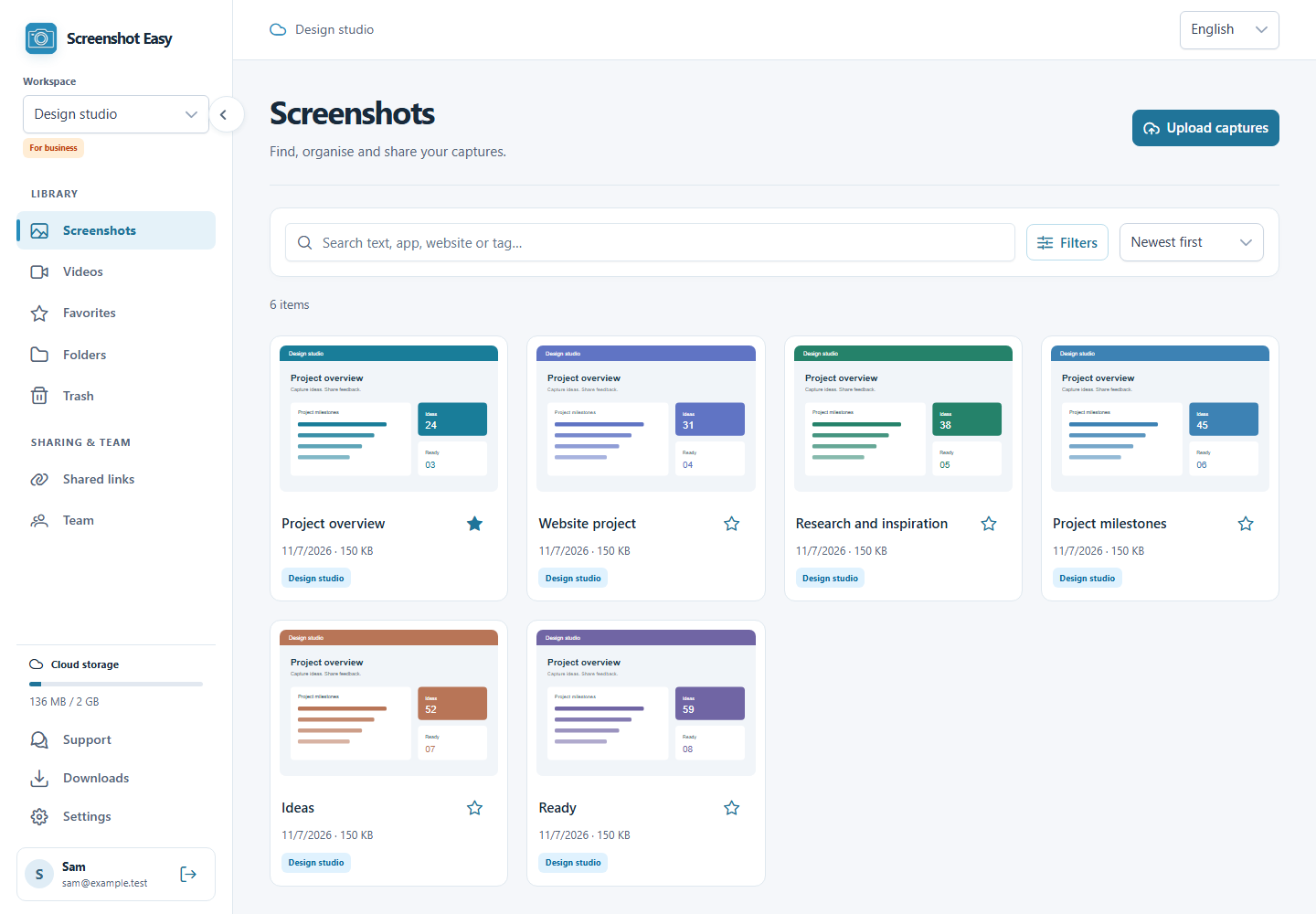
Search titles, recognized text, apps and websites. Organize with folders, tags and optional AI.
 Screenshot Easy
 · Web
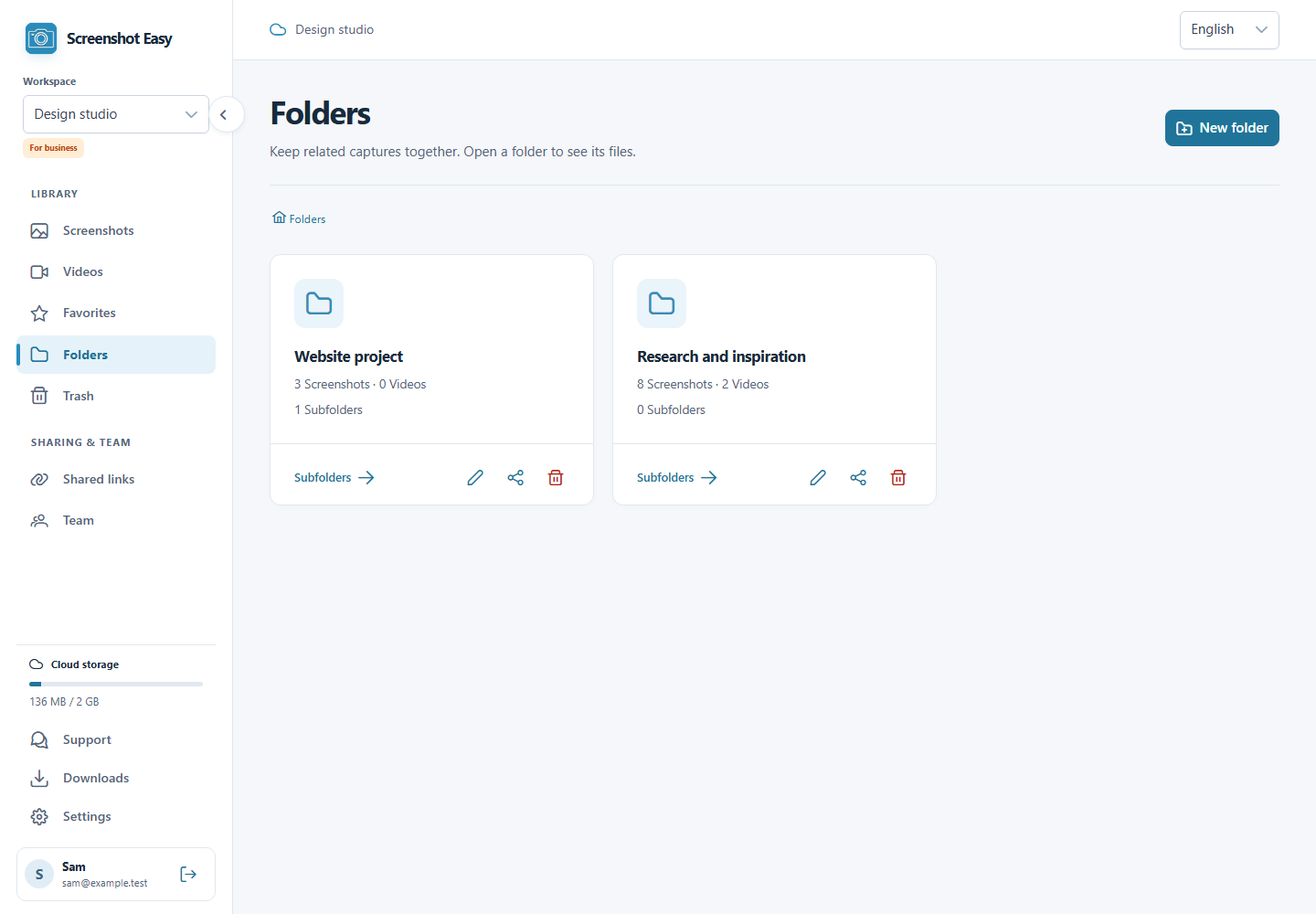
Open your library from a browser. Upload, find and organise your captures, then share them with the people who need them.
Sign in to access your cloud library
Organise, find and share your synced captures in your browser.
Search titles, recognized text, apps and websites. Organize with folders, tags and optional AI.
Create a link with an optional password and expiry. Revoke access from Shared links whenever you need to.
Owner, admin, editor or viewer. The right access for everyone.
Web
Real app screenshots with example content. Interface language and appearance may vary by version and settings.
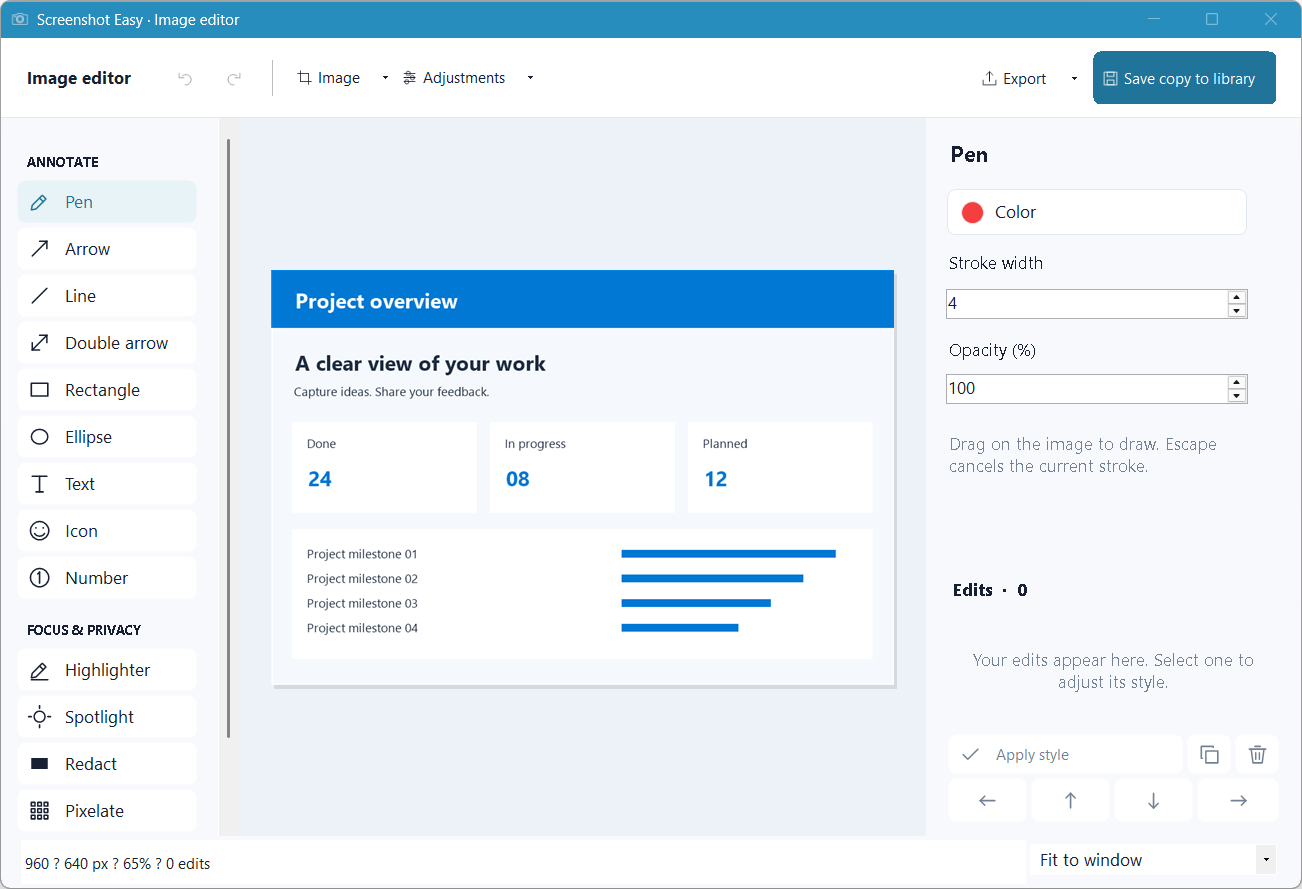
Capture in Windows. Organize on the web. Share on your terms.
Sign in to the same account in Windows and on the web. Select the same workspace.
Use Sync now in the Windows account screen, or enable automatic sync. Local-only profiles stay on your device.
Create a link with an optional password and expiry. Revoke access from Shared links whenever you need to.
Free capture and editing. Your account includes 2 GB of cloud storage. Optional AI uses your own provider and may incur provider costs.
Open web appPlatforms
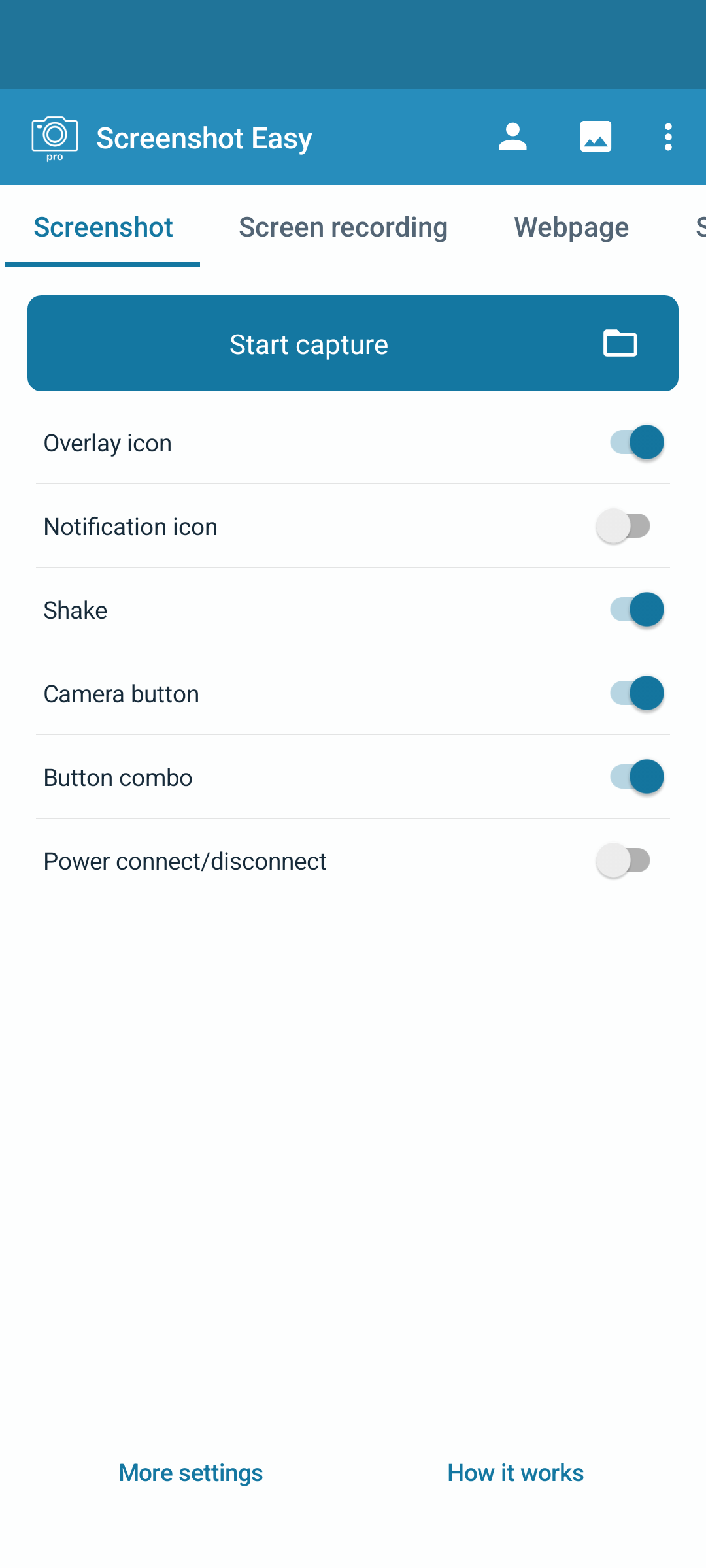
Take a closer look at Screenshot Easy on your favourite device.