Ready when you need it
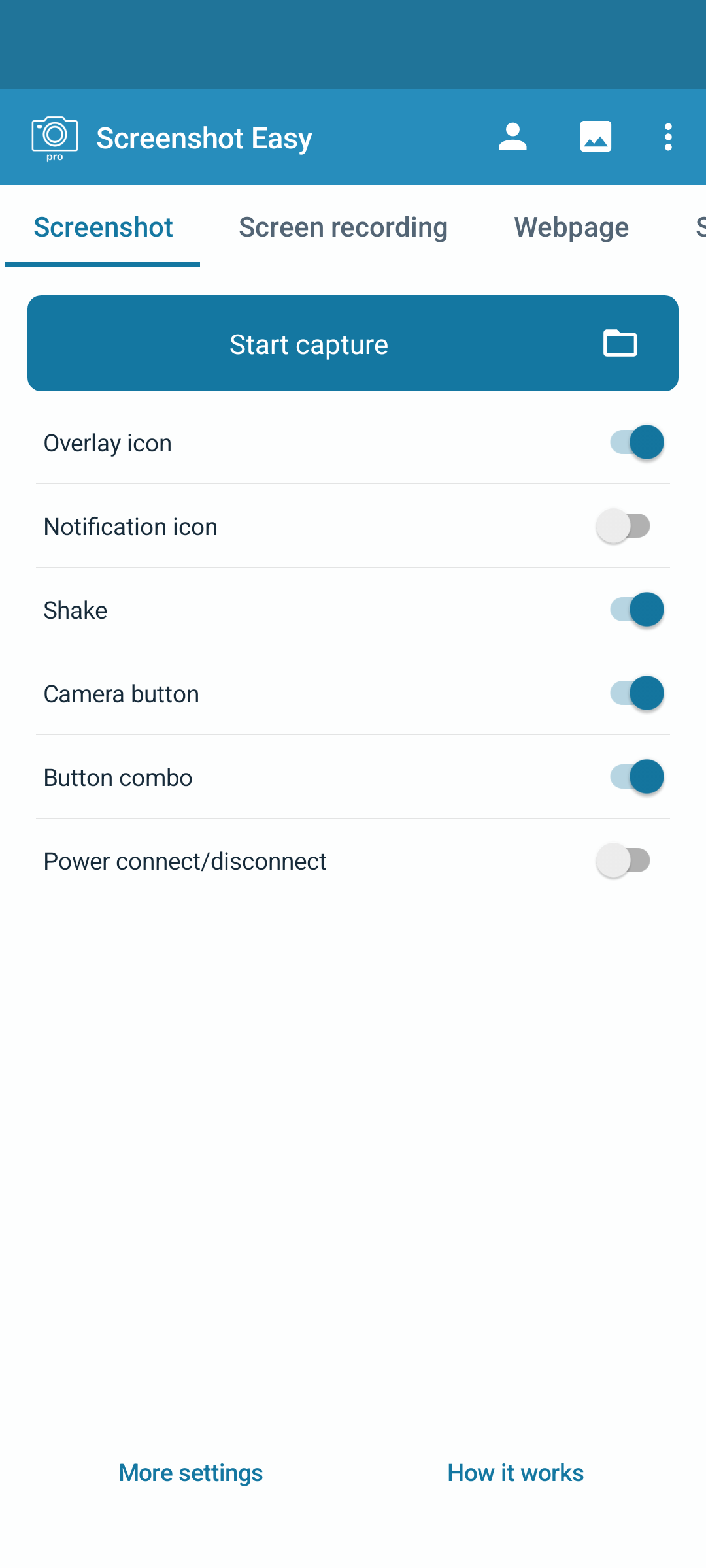
Start a screenshot or screen recording from the app. Choose the capture controls that fit your device.
 Screenshot Easy
 · Android
Save an idea, explain a step or record what is happening on your phone. Edit and share right from Android.
Install and update through Google Play
Capture, edit and record on your Android phone or tablet.
Start a screenshot or screen recording from the app. Choose the capture controls that fit your device.
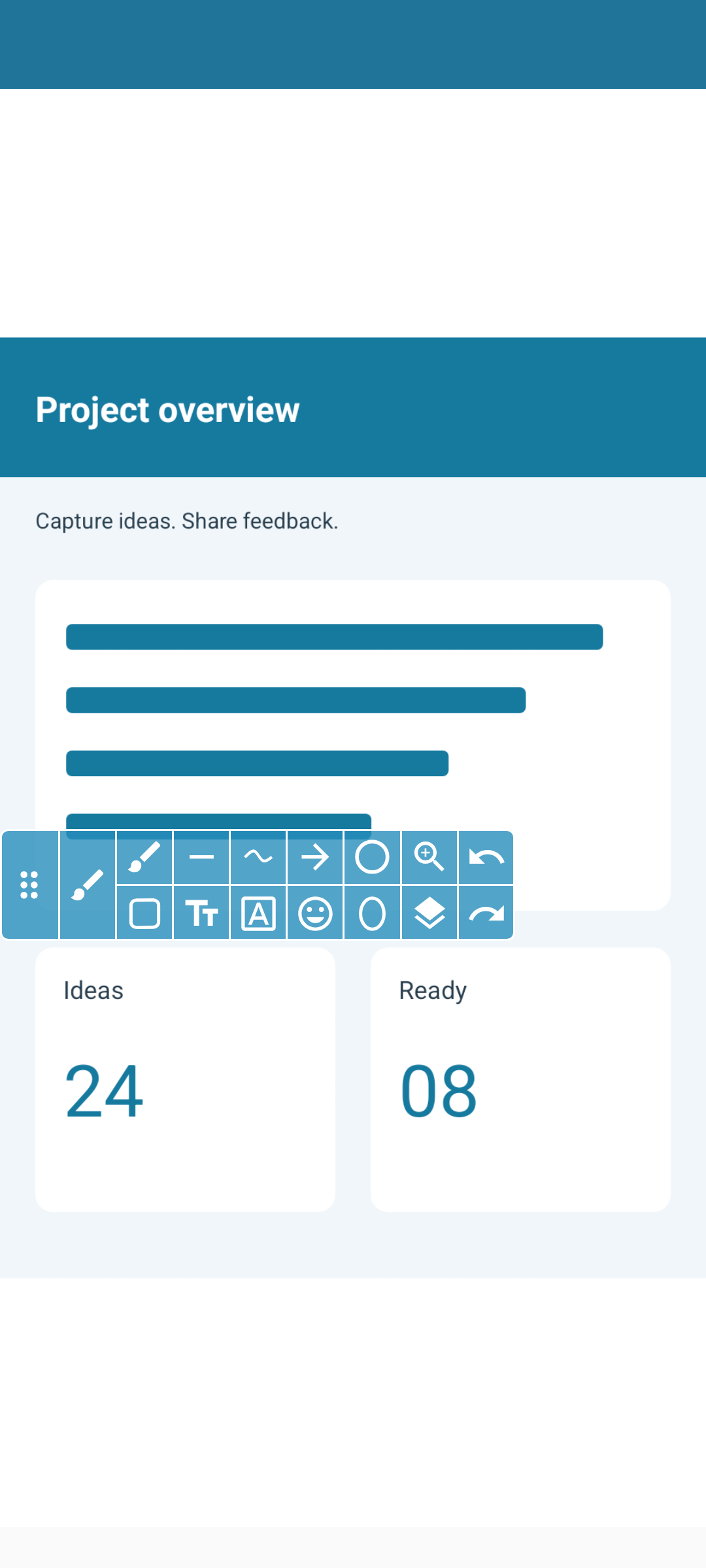
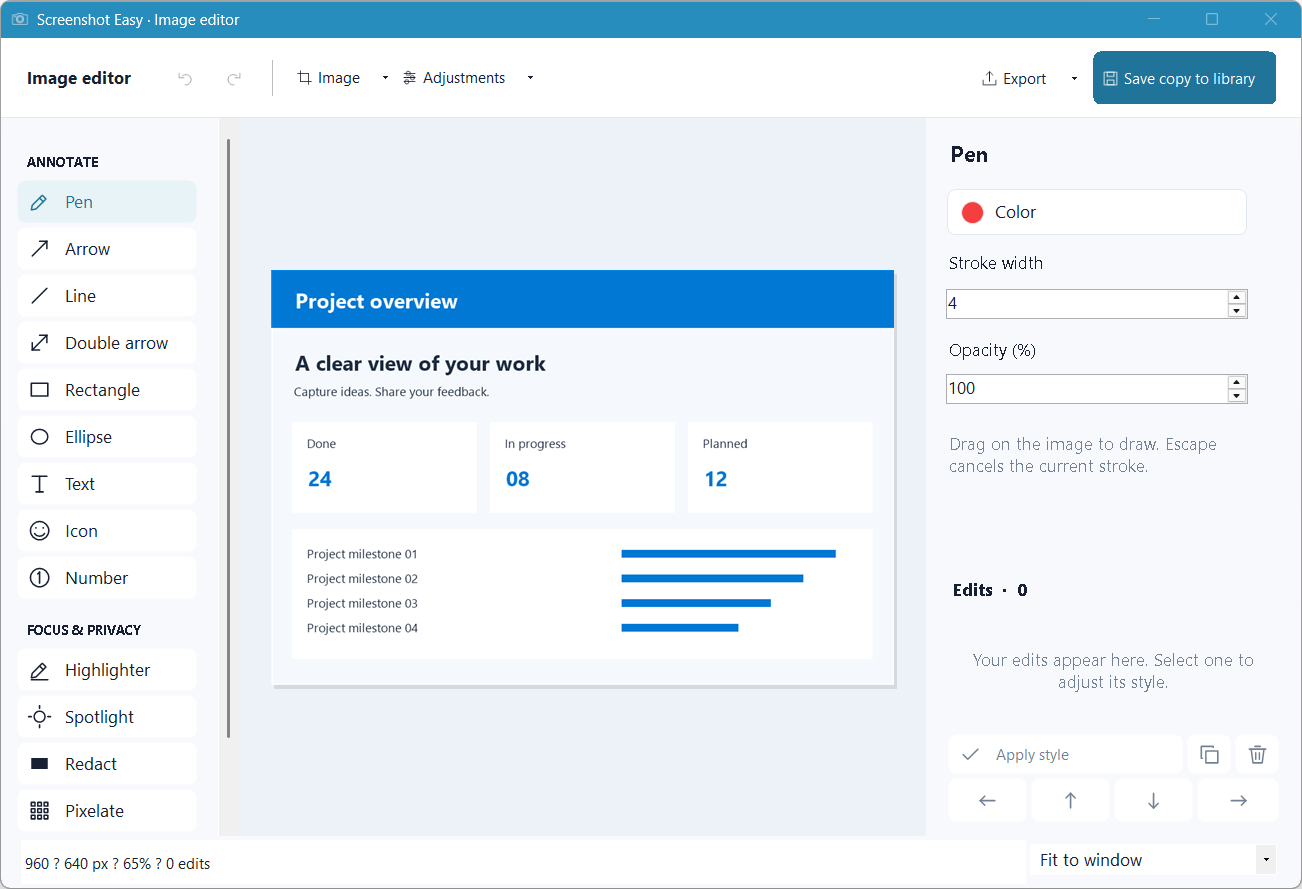
Crop to the detail you need. Add a drawing, text or an arrow before you share.
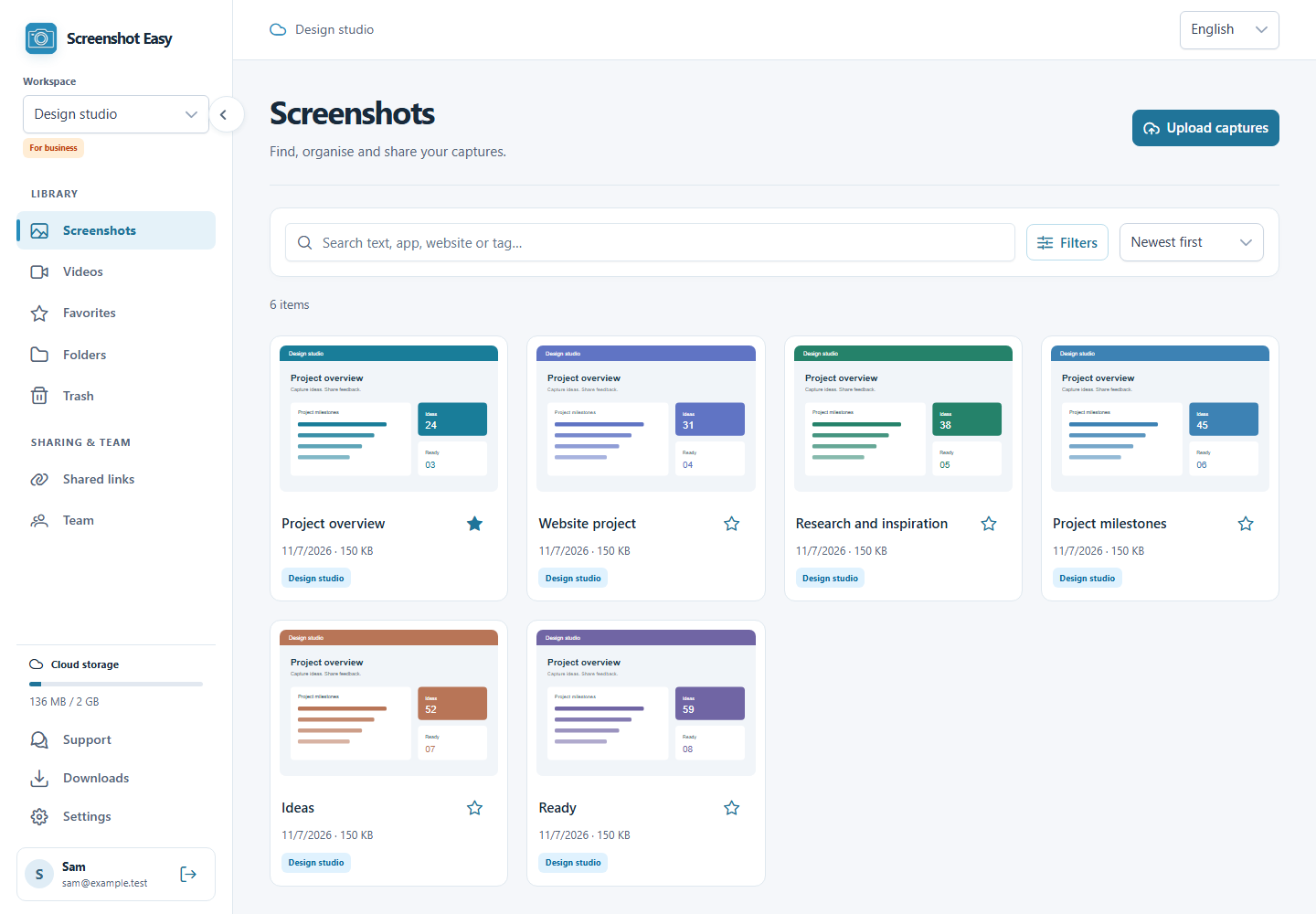
Keep your captures on your device and send them through the sharing apps you already use.
Android
Screenshots from Screenshot Easy Pro on Android, with example content. The free edition may show ads; appearance can vary by version and settings.
Free capture and editing. Your account includes 2 GB of cloud storage. Optional AI uses your own provider and may incur provider costs.
Get it on Google PlayPlatforms
Take a closer look at Screenshot Easy on your favourite device.