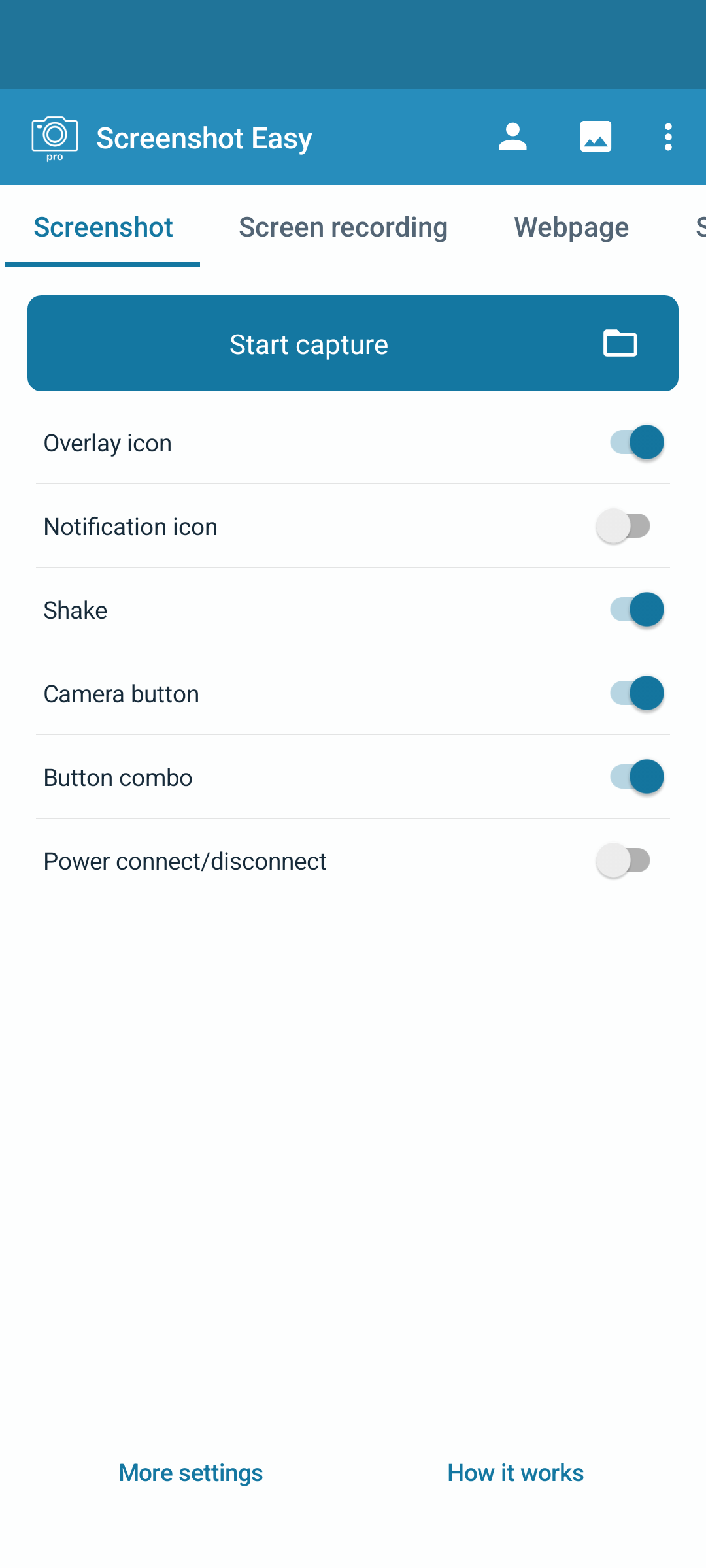
Every detail, captured.
Full screen, a window or just the part that matters. Add your own shortcuts and scroll beyond the screen.
 Screenshot Easy
Take screenshots, record your screen and keep everything organised. Get Screenshot Easy for Windows or Android.
“Easy peasy !”“like bread & butter...... lol.”Selected positive excerpts from Google Play reviews of the Android app, in the original English. Individual experiences vary.
Features
The tools you need, in one organised place.
Full screen, a window or just the part that matters. Add your own shortcuts and scroll beyond the screen.
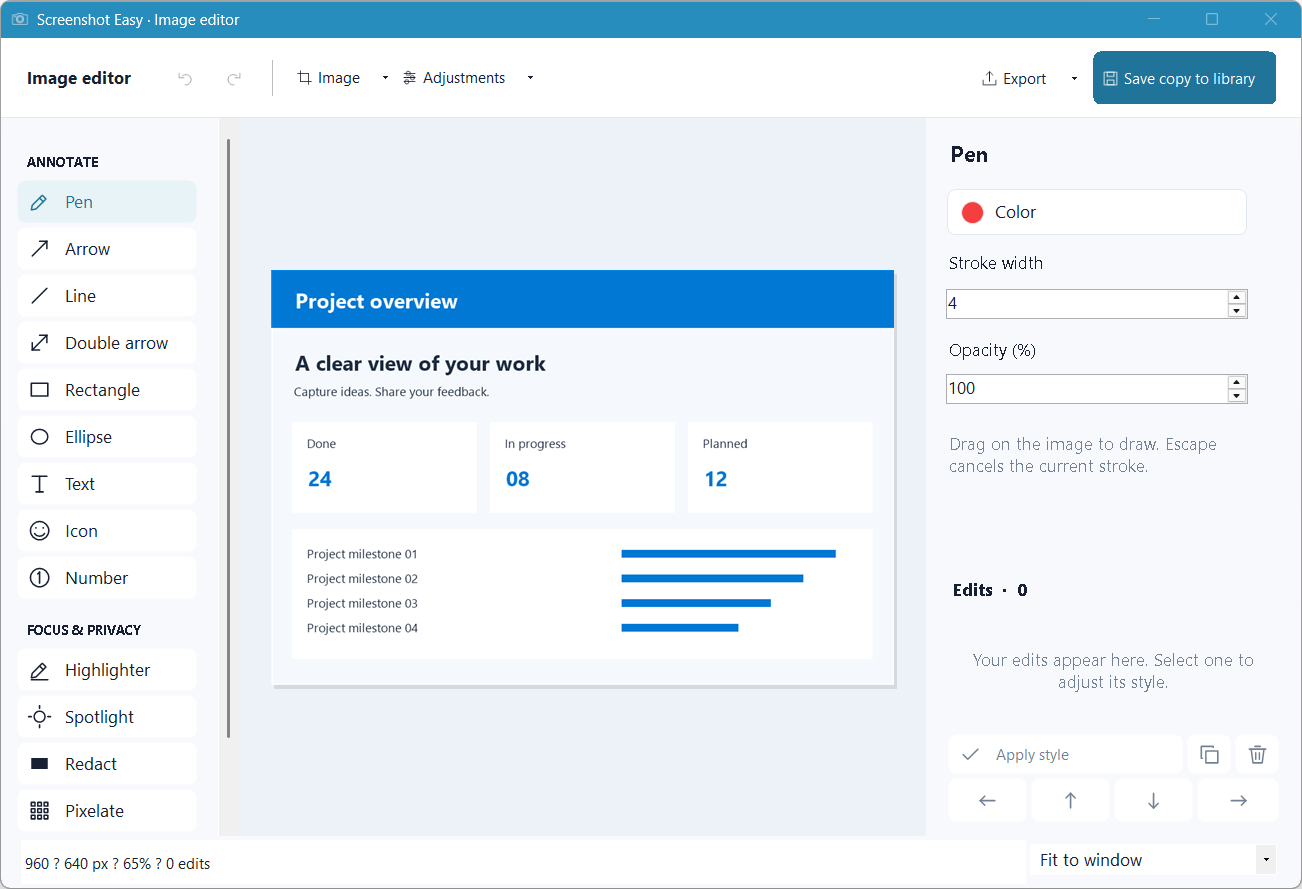
Record your screen with microphone, system sound or both. Trim, resize and annotate your story.
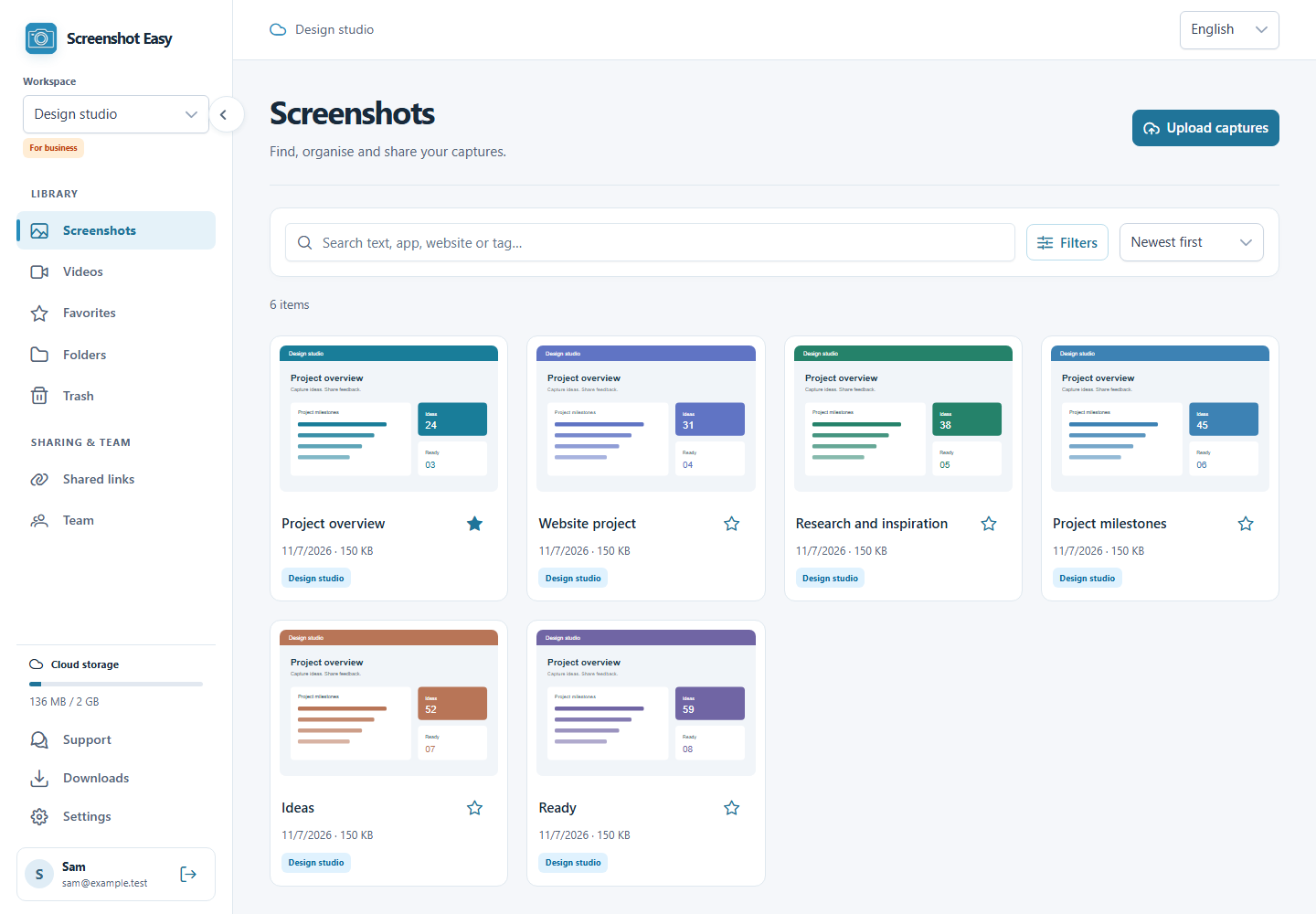
Search titles, recognized text, apps and websites. Organize with folders, tags and optional AI.
Send one capture or a whole folder with a link. Set a password or expiry, and revoke access whenever you want.
Platforms
Take a closer look at Screenshot Easy on your favourite device.
Record a walkthrough so someone can follow along at their own pace.
Capture the issue, mark the detail and share exactly what needs attention.
Collect references in folders and find the capture you need when it matters.
Use Windows or Android to capture your screen. The web app lets you upload, organise and share captures in your browser.
Free capture and editing. Your account includes 2 GB of cloud storage. Optional AI uses your own provider and may incur provider costs.
Sign in to the same account in Windows and on the web. Select the same workspace.
Use Sync now in the Windows account screen, or enable automatic sync. Local-only profiles stay on your device.
All for free
Free capture and editing. Your account includes 2 GB of cloud storage. Optional AI uses your own provider and may incur provider costs.
Get it for free